Most people who try an AI image generator for the first time type four or five words, look at the result, and decide the tool is either magic or useless. The truth sits in between. The model is doing exactly what it was told; it was simply told very little. After a few weeks of using Raphael AI for blog headers, client mood boards and the occasional birthday card, I settled on a small framework that turns vague ideas into prompts that land on the first or second try. This post walks through that framework, why each part matters, and how to iterate without burning an afternoon.
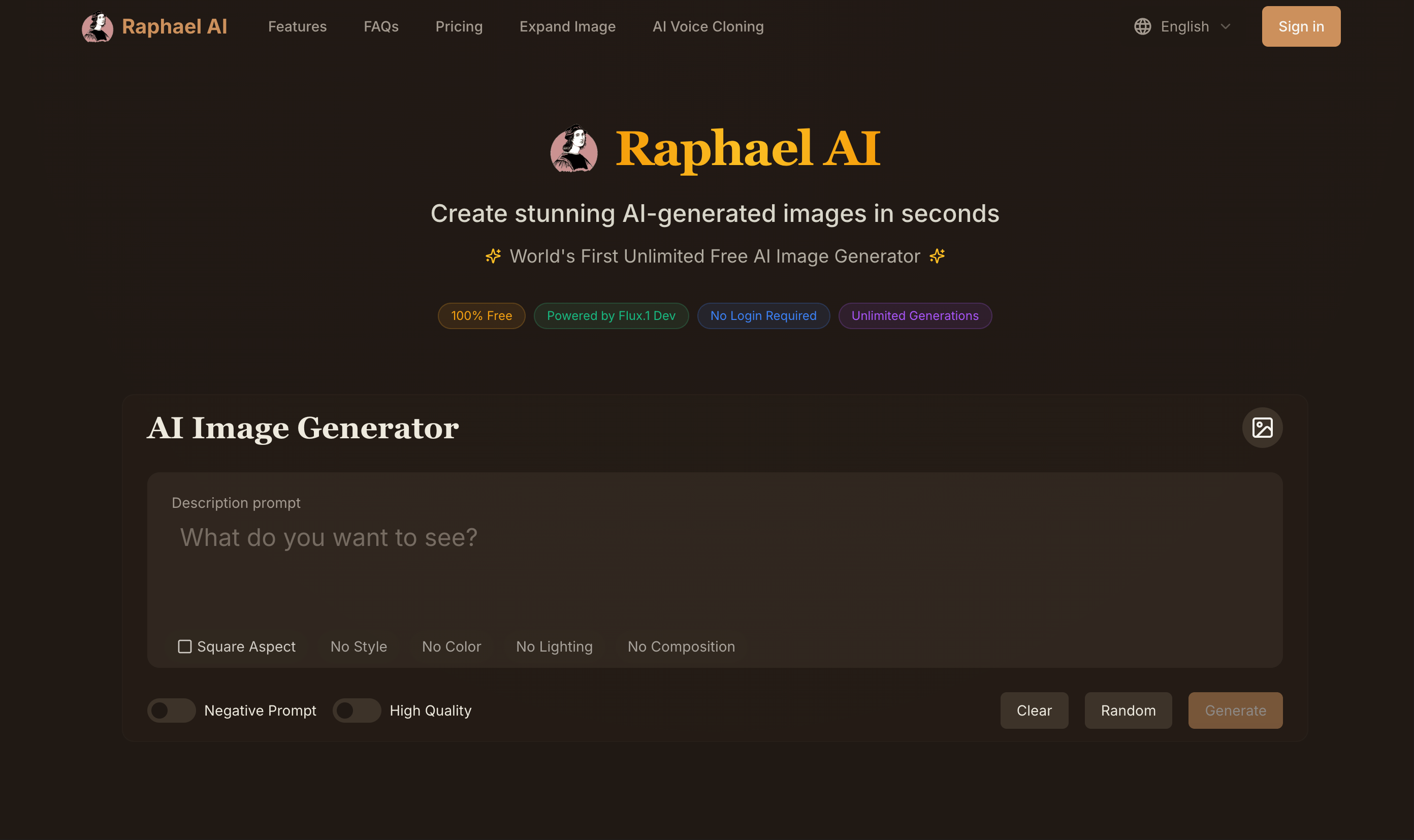
Raphael AI is a browser-based text-to-image generator at https://raphael.app. The basic mode is free, it does not ask you to sign up before your first image, and it routes prompts to several modern image models behind the scenes. That low barrier is what makes a structured habit worthwhile: when each attempt costs nothing but a few seconds, the quality of your thinking becomes the bottleneck, not your budget.
The five-slot prompt
I think of every prompt as five slots. You do not have to fill all of them, but every slot you leave empty is a decision you hand to the model.
- Subject – who or what is in the frame, described with nouns and a verb.
- Setting – where and when the scene happens.
- Style – the medium or visual tradition: photograph, watercolor, flat vector, anime cel, oil painting, isometric 3D.
- Light and color – time of day, light source, palette, mood.
- Framing – camera distance, angle, lens feel, aspect ratio.
A weak prompt fills one slot: “a cat in a library”. A strong prompt fills all five: “an elderly orange tabby cat asleep on an open atlas, inside a narrow wood-paneled library at dusk, soft painterly illustration in the style of a children’s picture book, warm lamp light with deep teal shadows, eye-level medium shot with shallow depth of field”. The second version is longer, but it is not complicated. Each clause answers one question the model would otherwise guess.
Slot one: write the subject like a stage direction
Nouns alone produce stock-photo poses. Adding a verb and one specific detail gives the image a moment. “A chef” becomes “a chef tasting sauce from a wooden spoon, eyebrows raised”. “A mountain” becomes “a mountain ridge with a single lit hut near the summit”. The detail does not need to be clever; it needs to be concrete enough that the model can render it.
When I need more than one subject, I describe them in the order I want the eye to travel. Models tend to give the first-mentioned element the most visual weight, so lead with the hero of the picture.
Slot two: anchor the setting in time
Settings get much better when you add a time cue. “A street market” is generic. “A street market in the early morning, stalls half set up, wet pavement” tells the model about crowd density, light direction and texture all at once. Seasons work the same way: autumn brings color, winter brings breath and fog, midsummer brings hard shadows.
Slot three: name a medium, not just an adjective
“Beautiful” and “stunning” do almost nothing. A medium does a lot. Compare “a stunning portrait” with “a portrait in gouache on textured paper” or “a portrait shot on 35mm film with visible grain”. The medium implies brushwork, edges, saturation and imperfection, which is where the character of an image lives.
Raphael AI handles a wide range here, from photoreal product shots to anime frames and oil-paint looks, so it is worth experimenting. I keep a short list of mediums that suit my projects: risograph print for newsletter art, soft 3D clay render for app onboarding screens, ink and wash for book-themed posts.
Slot four: light is the mood dial
If an image feels flat, the fix is almost always lighting. Try one of these and watch the same scene change personality:
- golden hour side light for warmth and long shadows
- overcast diffuse light for calm, even product shots
- neon rim light for night and tech themes
- a single window light for quiet interior portraits
- candle or lamp light for intimacy
Pair the light with a two- or three-color palette. “Muted sage and cream” or “cobalt and tangerine” gives the model a constraint that keeps the image coherent instead of rainbow-busy.
Slot five: frame it like a photographer
Distance and angle are easy wins. “Close-up”, “medium shot”, “wide establishing shot”, “top-down flat lay”, “low angle looking up” all change composition dramatically. Lens language helps even for illustrations: “wide-angle” exaggerates perspective, “telephoto” compresses it, “macro” pulls in tiny textures.
Choose the aspect ratio before you generate, not after. Raphael AI lets you pick the ratio in the interface, and a 16:9 header composed from the start looks far better than a square image cropped into a banner.
Iterating without losing the thread
Here is the loop I use:
- Write the five-slot prompt and generate two to four variations at once.
- Pick the variation that is closest, and note what is wrong in one sentence.
- Change only one slot to fix that sentence. If the light is wrong, edit the light clause and nothing else.
- Repeat until it is right or until three rounds pass without progress, at which point rewrite the subject slot from scratch.
Changing one slot at a time sounds slow, but it is how you learn what the model responds to. Changing everything at once gives you a new image without teaching you anything.
A worked example
Goal: a header for a post about remote work burnout.
Round one: “a tired person at a laptop”. Result: generic, gloomy stock image.
Round two: “a young designer resting her chin on a stack of sketchbooks beside a glowing laptop, small apartment desk by a rainy window, flat editorial illustration with subtle paper texture, cool blue light from the screen and warm light from a desk lamp, medium shot, 16:9”. Result: much closer, but the mood is too sad for an article that ends on a hopeful note.
Round three: I changed only the light slot to “early morning sunlight breaking through the rain clouds, warm highlights on the sketchbooks”. The image now tells a small story: rough night, better morning. That is a header that supports the article instead of just decorating it.
Common mistakes to avoid
- Stacking contradictory styles. “Photorealistic anime watercolor” confuses the model. Pick one primary medium.
- Overloading with quality words. “Masterpiece, best quality, 8k, ultra detailed” adds noise more than detail on modern models.
- Forgetting text needs. If you plan to overlay a title, ask for “clean negative space on the left third” so your headline has room.
- Ignoring rights. Check the current plan terms on https://raphael.app before using images commercially; the site explains which tiers cover commercial use.
Why this matters for small creators
The value of a free, no-login tool is not only the price. It is that you can practice. A writer who generates twenty thoughtful prompts a week will, within a month, be able to describe exactly the image a post needs. That skill transfers to any model and any tool, but practicing on Raphael AI costs nothing, so the learning curve is the only investment.
If you try the five-slot method, start with a picture you already have in your head. Write each slot as a separate line in a notes app, then join them into a sentence. You will be surprised how often the first result is already usable, and how much faster the second and third rounds become once you know which slot to adjust.

Comments
No comments yet. Be the first to react!